Add it to your Home Screen. iPhone (Safari): tap Share, then Add to Home Screen. Android (Chrome): tap the ⋮ menu, then Add to Home screen or Install app.
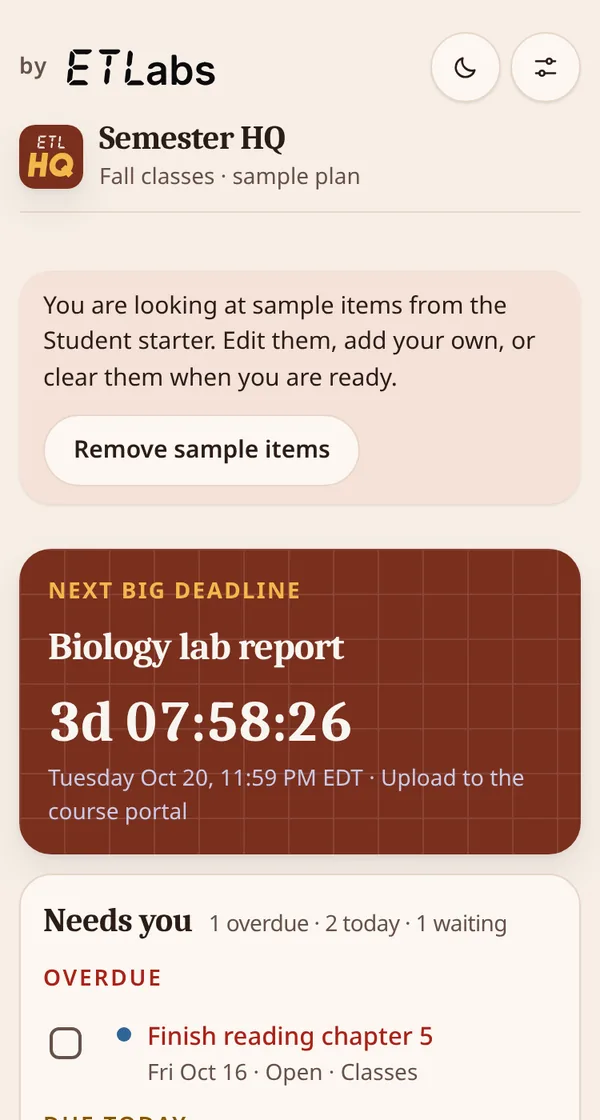
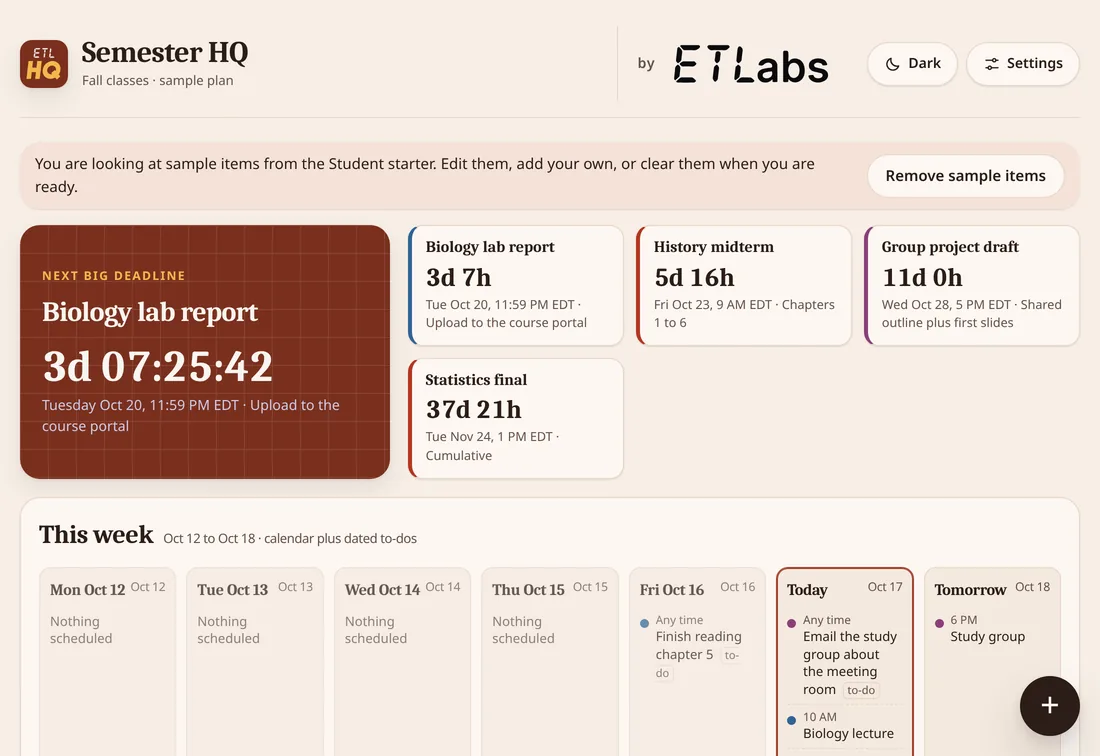
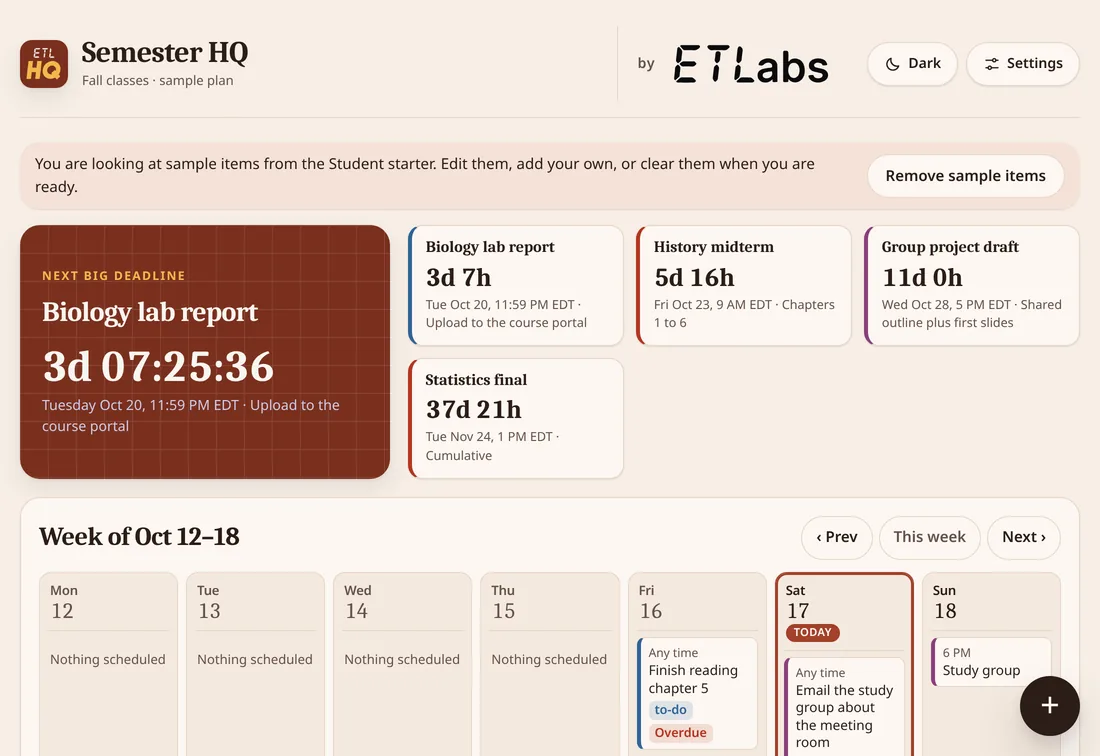
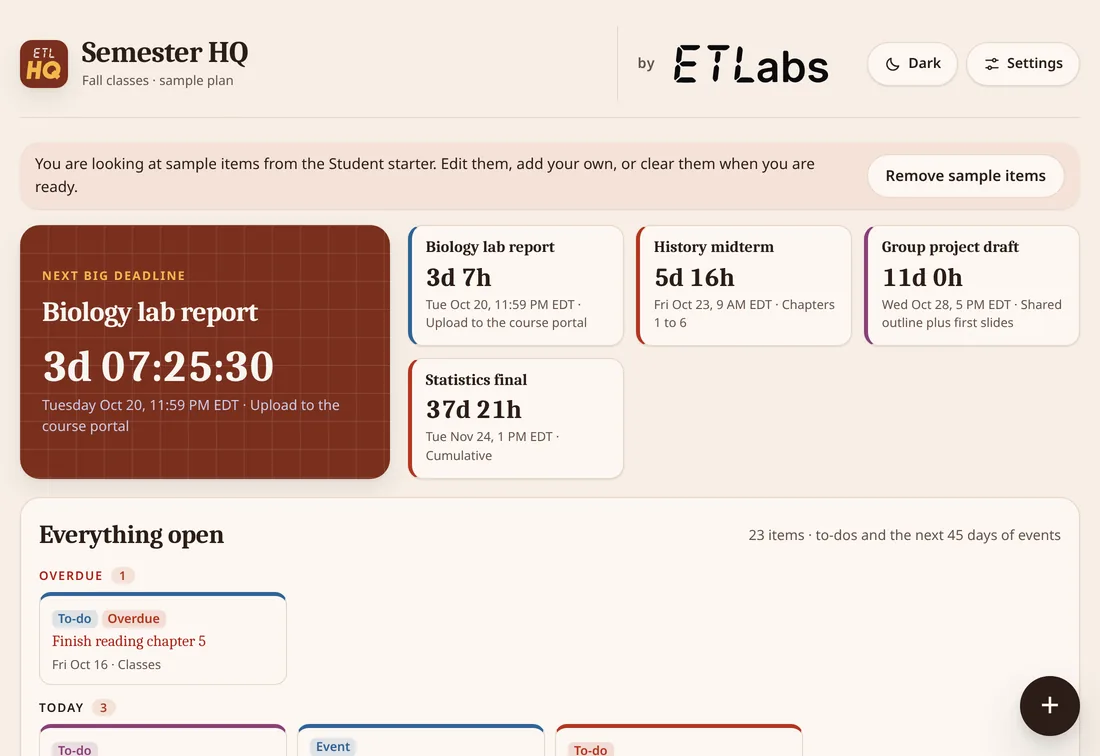
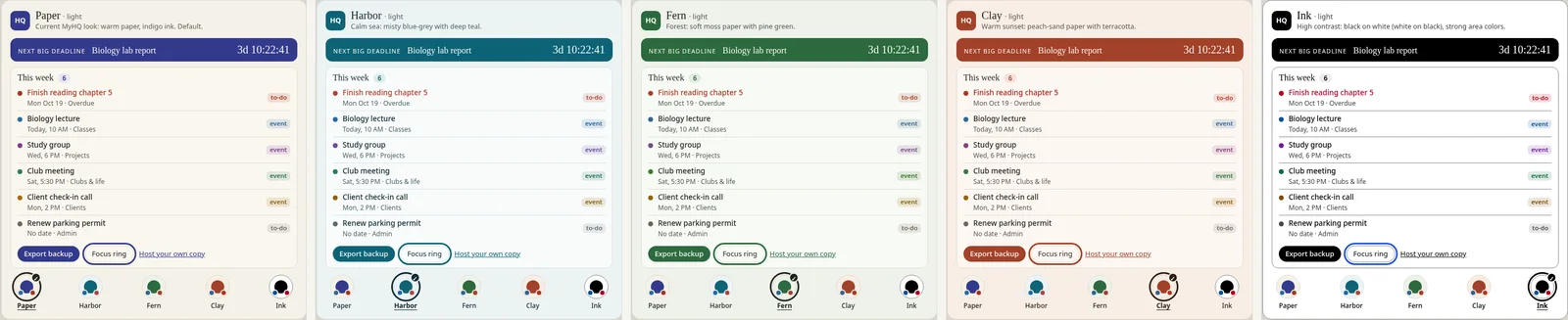
Add your items. Open it from your Home Screen. Pick a starter, or tap Start blank. Tap Remove sample items to clear the examples. Then tap + and choose New deadline or New to-do. In Settings, pick a Layout and Colors, or give your page its own name.
After your first visit, it works without internet too.
You can add your own deadlines and to-dos.
Back up and restore
To back up:
In the Your data box, tap Export backup.
A file named like hq-backup-(date).json saves to your device. Keep it safe.
The page tells you when your last backup was. After 14 days, it reminds you to make a new one.
To restore (for example, on a new phone):
Open your link and tap Restore from file. On a brand-new phone, you'll find it under "Have a backup file?"
Pick your backup file.
If that device already has data, it asks before replacing everything. Confirm to go ahead.
Our privacy promise
No account, no tracking: what you type stays on your device, and ET Labs never sees it.
Backups save as a file on your device. Delete the app without one, and your data is gone.